 Dylan Auty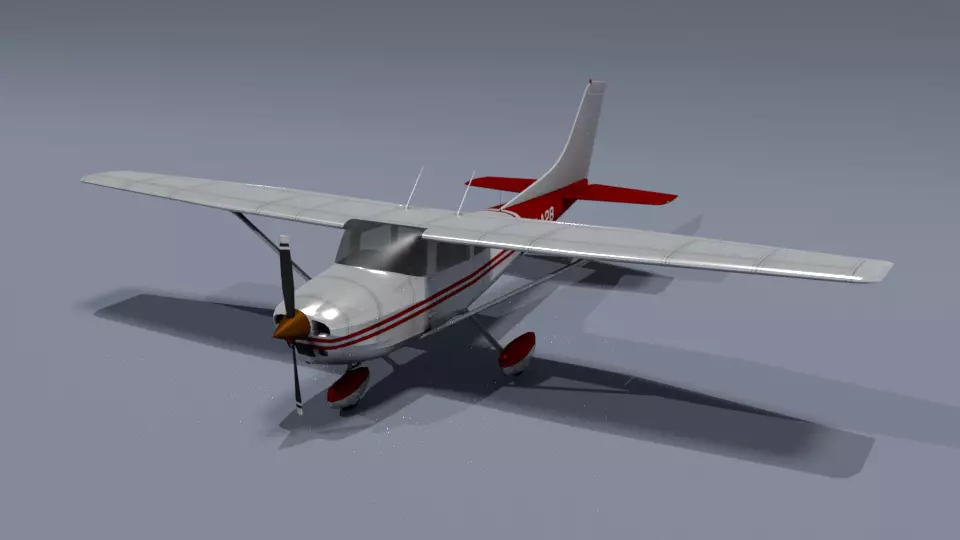
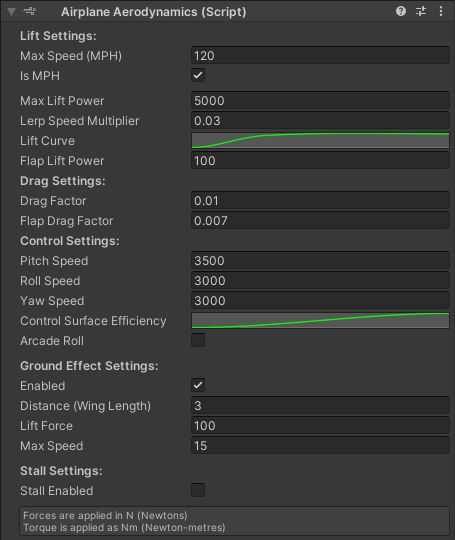
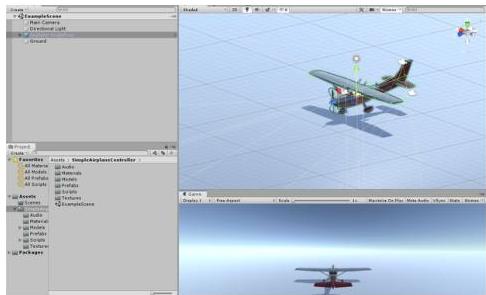
Simple Airplane Physics Toolkit gives you everything you need to build realistic aircraft in Unity. Lift, drag, gravity, thrust, angle of attack, banking, flaps, fuel consumption, and dynamic mass — all simulated out of the box.
The system handles all moving parts automatically: control surfaces, landing gear, propellers (sharp + blur swap), and wheel rotation. Add your own 3D model, wire it up with the included prefabs, and you’re flying.
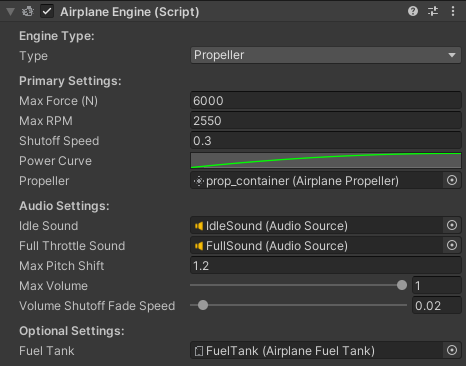
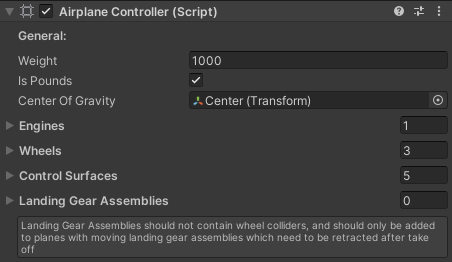
Fully extensible at every level. Lift curves, drag factors, engine power curves, control surface animation speeds, and audio profiles are all customizable in the inspector. Need 7 engines and 10 wheels? Just add them to the list.
Version 1.9 New Features
- Jet engine mode with spool-up delay and idle thrust
- Stall physics with configurable critical angle and post-stall lift drop
- Structural damage system (G-force, overspeed, impact)
- Weather and wind system (turbulence, gusts, altitude layers)
- Mobile touch controls with auto-generated joysticks
- Unity Input System support with included InputActionAsset
- Pitch and roll trim controls
- Pre-flight start state configurator for demo scenarios
- Assembly definition files for clean project integration
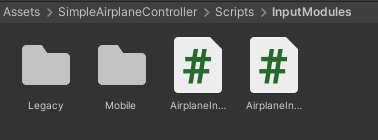
Input Modules
- Keyboard (fully remappable)
- Unity Input Manager axes (joystick/yoke)
- New Input System (Keyboard + Gamepad)
- Scriptable delegate for networked or AI-driven flight
- Simple AI (follow target or waypoint route)
- Mobile touch (joysticks + buttons)
Includes
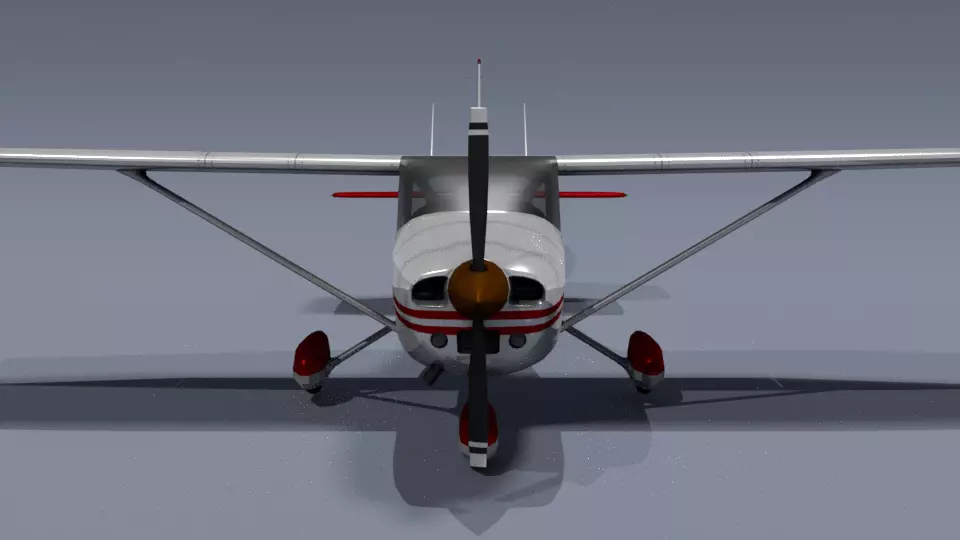
- High quality rigged single-prop airplane model
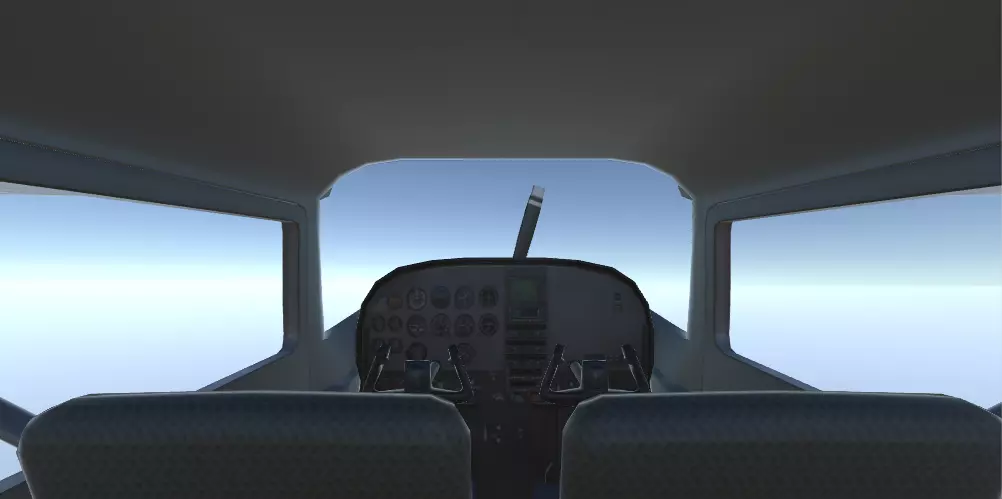
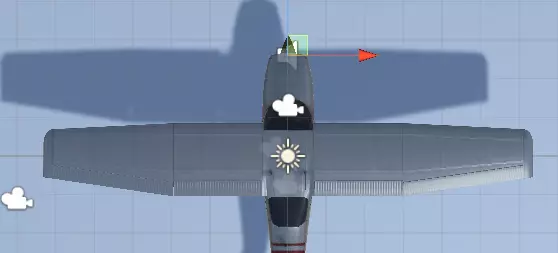
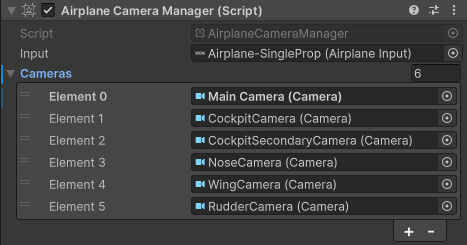
- Follow camera and multi-camera manager
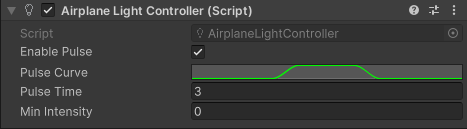
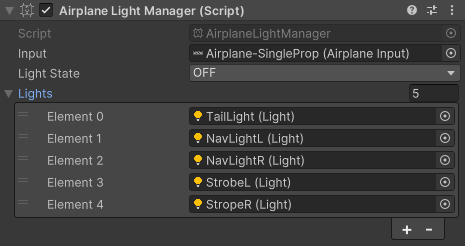
- Light manager with pulse controller
- Landing gear retraction assembly
- Custom editors and component icons for all modules
- Full Markdown documentation
Whether you’re building a flight sim, an arcade flyer, or just need planes that feel right, this toolkit handles the physics so you can focus on the fun.
Need help? Get in touch — we’re happy to assist.